Servers are the backbone of technology, providing essential services to multiple clients over a network. Whether hosting websites, storing data, or facilitating communication, servers play a vital role in businesses and organizations worldwide. In this article, we’ll explore what a server is, its types, essential components, and why they are crucial for seamless digital operations.
What is a Server?
A server is a specialized computer designed to provide services to multiple clients, whether over the Internet or within a local network. These services can range from hosting websites, managing emails, or storing and distributing data.
There are two types of server setups:
- Dedicated Servers – These servers handle a single function, such as web hosting or data storage, making them ideal for large-scale organizations.
- Multi-Service Servers – Smaller organizations often use one machine to provide multiple services, such as storing files and hosting emails.
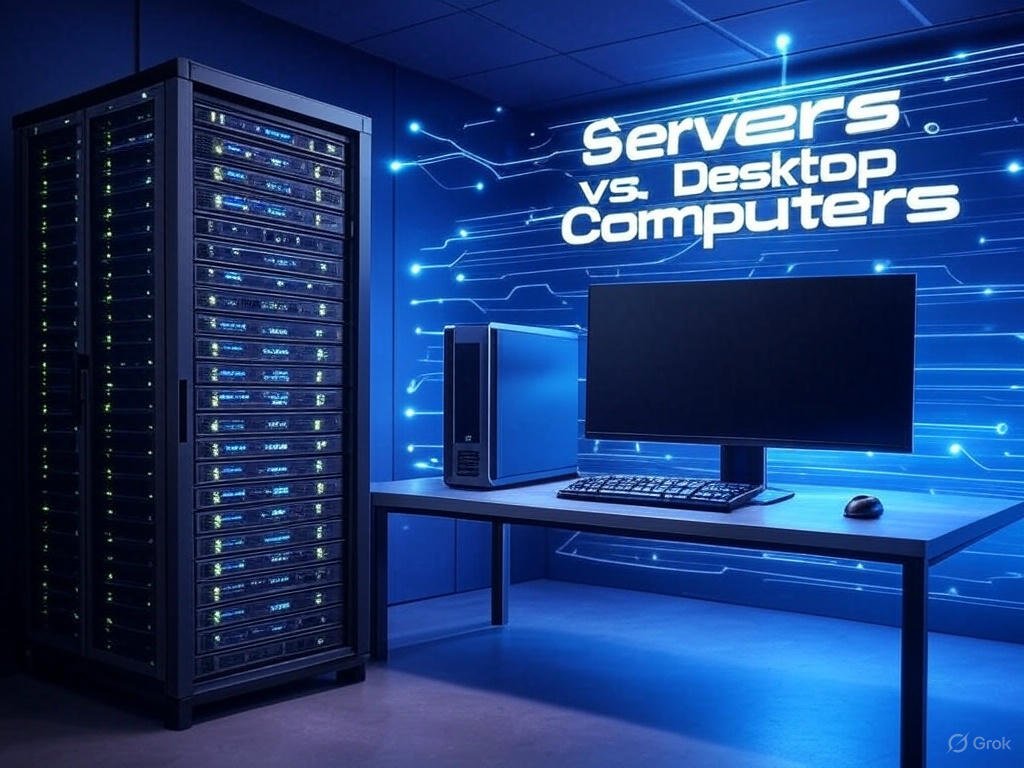
Server vs. Desktop Computer
Many people assume that a server is simply a powerful computer, but the truth is that any computer can act as a server. However, traditional desktop computers are not designed for handling high workloads.
Key Differences:
- Servers are built with robust hardware and software, ensuring uninterrupted performance and large-scale data handling.
- Desktops are designed for individual use and cannot support multiple connections efficiently.
Essential Server Components
1. Server Hardware
A high-performance server requires reliable components to ensure stability and efficiency.
- Xeon Processors – Unlike standard desktop processors, Xeon processors support multi-processing, allowing multiple CPUs to work together for handling large workloads.
- ECC RAM (Error Correction Code RAM) – This type of memory automatically detects and corrects errors, preventing unexpected crashes.
- RAID Configuration – RAID (Redundant Array of Independent Disks) ensures data redundancy and security, allowing failed hard drives to be replaced without losing critical data.
- Redundant Power Supplies – These ensure that the server remains operational even if one power supply fails, reducing downtime risks.
2. Server Software
A dedicated server must run an optimized and stable server operating system:
- Linux Server
- Windows Server
- macOS Server
These OS options are designed for continuous operation and can manage thousands of concurrent connections efficiently.
Types of Servers
1. Web Server
A web server hosts websites, storing all related data such as HTML, CSS, and media files. When users visit a website, the web server delivers the necessary content.
2. Email Server
An email server enables users to send and receive emails over the Internet using protocols like IMAP, POP, and SMTP.
3. Database Server
A database server manages structured data that can be accessed using SQL queries, making it essential for applications that require frequent data retrieval.
There are many other types of servers, including gaming servers, DNS servers, and cloud storage servers.
Conclusion
Servers are critical for businesses and organizations as they provide reliable, efficient, and secure data management and communication. Choosing the right server depends on business needs, whether it’s a dedicated setup or a multi-purpose server.
FAQs
1. Can a desktop computer be used as a server?
Yes, a desktop computer can act as a basic server, but it cannot handle large workloads or multiple connections efficiently.
2. Why do servers need to run 24/7?
Servers must remain operational at all times to prevent downtime, which can disrupt business operations.
3. What is ECC RAM, and why is it important?
ECC RAM detects and corrects memory errors automatically, ensuring reliable server performance.
4. What is RAID, and how does it prevent data loss?
RAID duplicates data across multiple disks, allowing recovery in case of a hard drive failure.